

To update the Registration Code
In years 2014 and newer, follow the below steps:
Click Tools at the top of your program window
Select Utilities/Setup Assistant
Click Setup and then Setup Assistant
From here, click on Register Software on the left
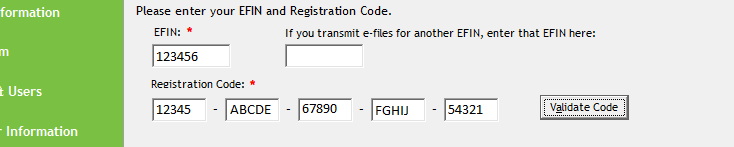
Enter your EFIN and registration code, then click on Validate Registration Code.
For 2013 and prior years, follow the below steps:
On the Tools menu, click Utilities/Setup Options.
In the UltimateTax Utility, select Setup and then click Setup Options/Assistant.
On the Company tab, enter the new EFIN.
Click Next until you arrive at the Color Setup tab.
Click Finish.
Enter your new Registration Code and then click OK.
Comments
Article is closed for comments.