

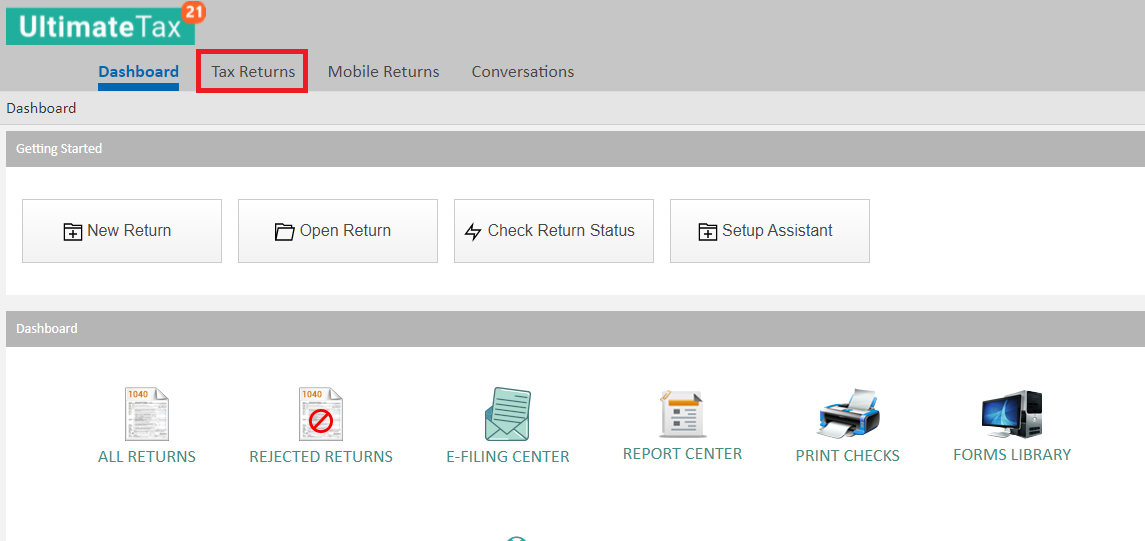
To export returns from the Online software, begin by going to the Tax Returns tab after logging in as Admin.
Then click on the View More Actions drop-down box and select Export Return List.
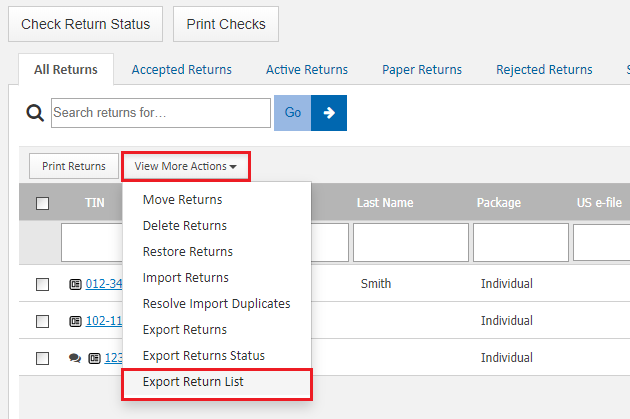
After selecting Export Return List, you are allowed to select either CSV or XLS, which relates to which format the returns export to.
Solution Articles:
Comments
Article is closed for comments.