

Any user who has permission to start a return can restore deleted returns.
Restore a return by selecting New Return from your product dashboard. Once you type in an SSN that's been previously deleted, you will be prompted to restore it.
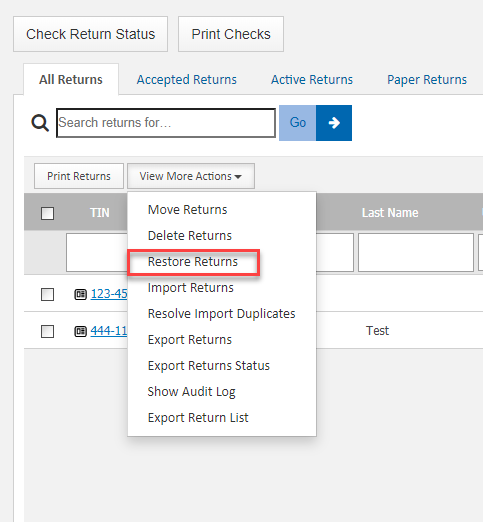
You can also restore multiple returns at once by going to View More Actions>Restore Returns. From here, you can choose which returns to restore.
This information applies to all UltimateTax Online software.
Comments
Article is closed for comments.